Your checkout
The system your team already uses
Retailhub POS integration
Retailhub does not replace your POS system—we connect to it. You register items at the checkout as before, and the online store pulls everything it needs from there. Automatically.
The system your team already uses
Always current, without manual updates
Your checkout remains the operational center. Retailhub connects the online experience to it, so your team can focus on customers instead of maintaining duplicate systems.
If the online store does not talk to the checkout, you have to keep inventory updated manually—and reject orders for items that are already out of stock in store.
Retailhub has built and operated integrations with the most common Norwegian POS systems for years. It is not an add-on—it is central to what we deliver.
Items, inventory, and prices come from the checkout, and online sales are sent back. You have one item register to keep track of—not two.
Information travels in both directions. Each side receives exactly what it needs, while your checkout remains the master system.
Where you register the goods—as before
Always up to date—without you lifting a finger
Name, price, brand, sizes, and colors are imported from the checkout—and automatically enriched with images and descriptions.
If you sell the last item over the counter, the online store is updated. Special functionality keeps inventory correct even with high order volumes.
Online orders are sent to the checkout, so inventory is deducted and sales are recorded alongside store sales. Failed transfers are automatically retried.
Supplier images can be sent back to your checkout, so you benefit from them in both places. This is currently supported for Front Systems and Duell.
This is the checkout setup. See the entire flow from checkout to customer in How it works
Retailhub is integrated with the leading checkout systems for Norwegian clothing, shoe, and interior design stores—and we connect to new systems continuously.
The scope varies from case to case. For most systems, product import and order export happen automatically; we confirm the exact workflow before setup.
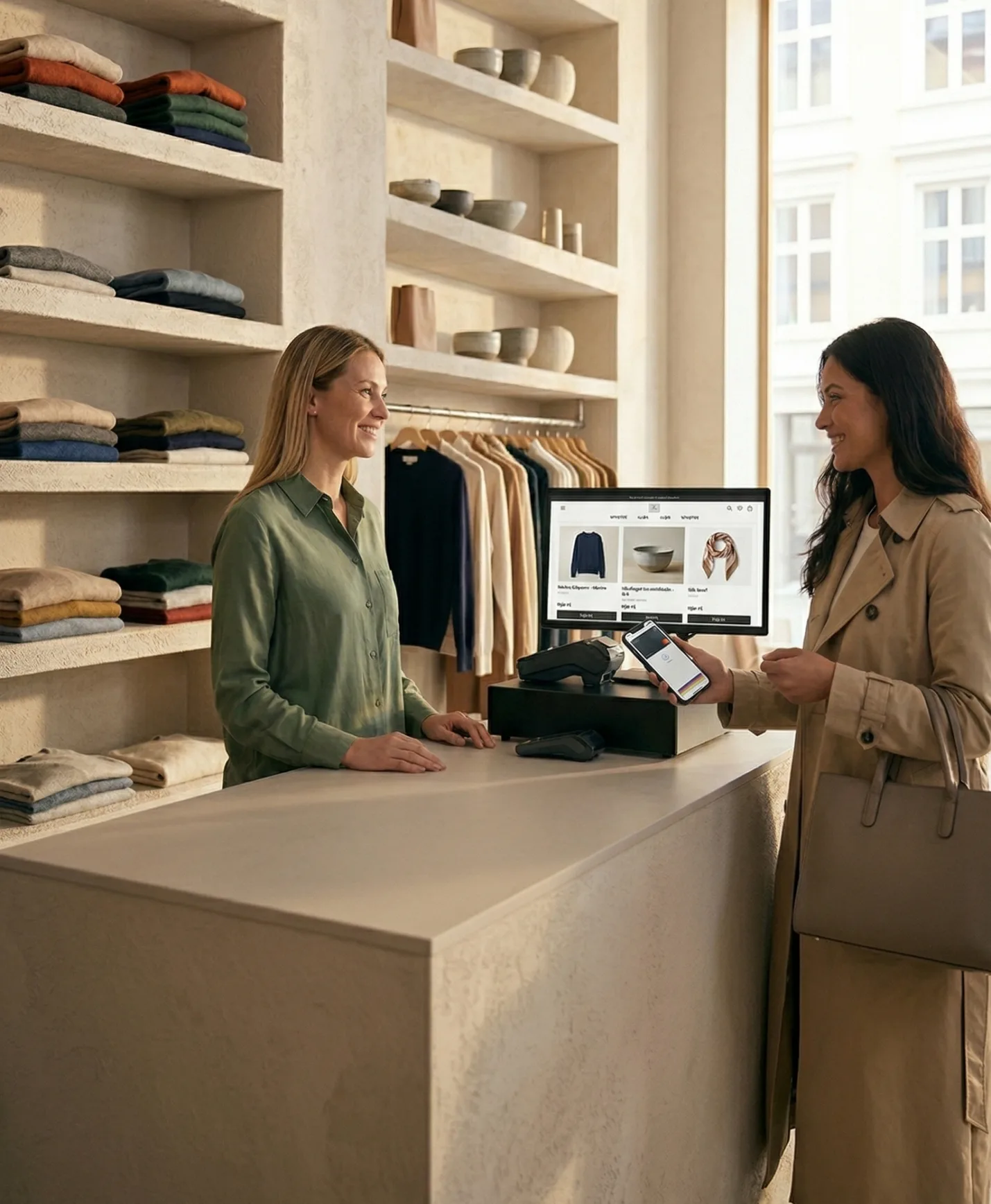 Retailhub connects the store experience to online sales
“What I like about this online store solution is that it is very compatible with our checkout system, Front. I think that is really important.
Every POS system handles data a little differently. These answers explain the process; your demo confirms the details for your own system.
Discuss your POS setupUsually not. We review your existing categories and data structure, then map or clean only what is needed for a reliable online range.
Consistent variants help, but common structures can be normalized during setup. We review your item register before the integration is configured.
This depends on the POS system and discount type. We confirm the supported campaign and pricing flows for your system during the demo.
The scope and any system-specific requirements are reviewed before you commit. You receive a clear setup recommendation for your exact POS environment.
We assess the system, version, data fields, and store workflow, then document exactly what moves in each direction before launch.
Your checkout · Connected
In 15 minutes, we will show how Retailhub connects to your POS system—tailored to your situation.